1
Join with your TikTok
Creators join with an email, TikTok handle, country, and optional matching details. This helps Vune understand fit before campaign waves open.
Workflow guide
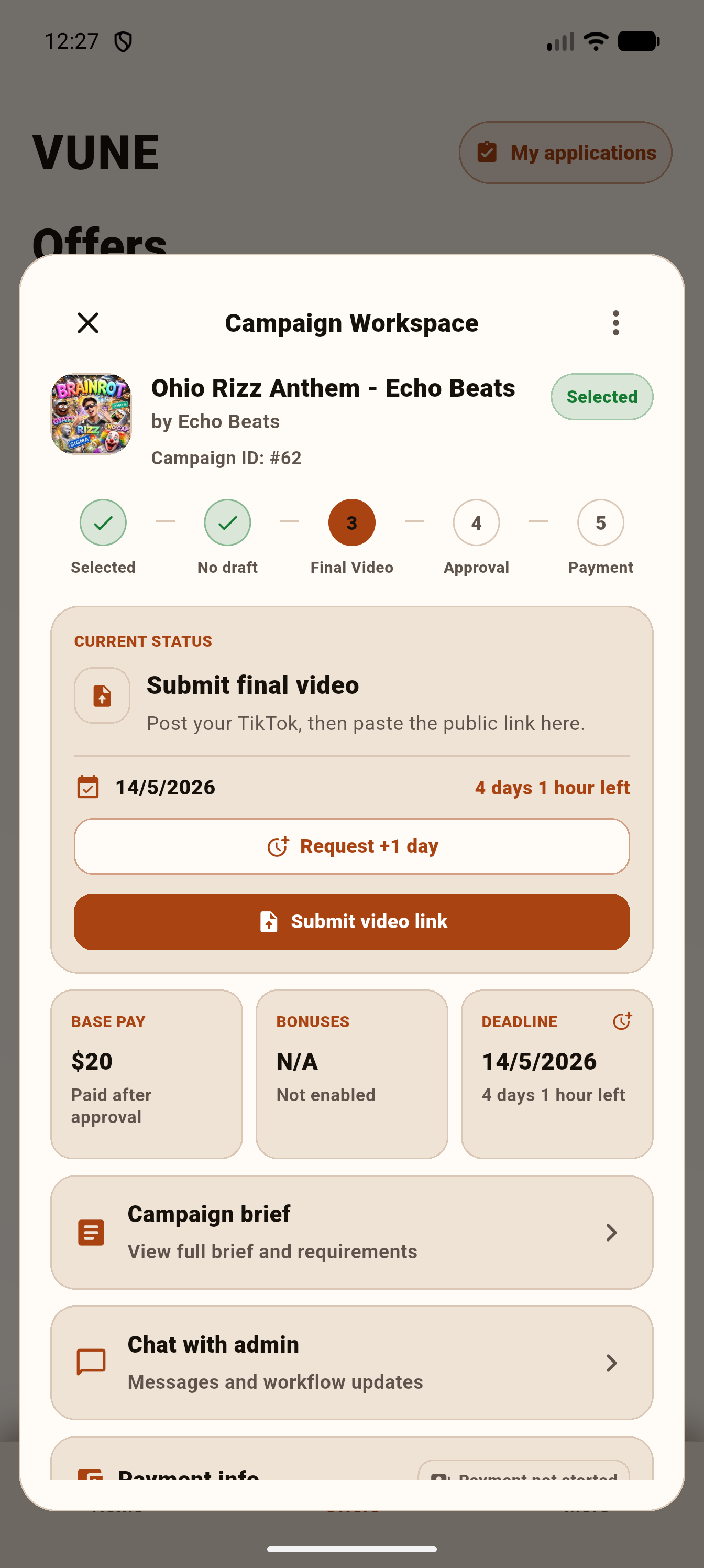
Vune is designed to make creator campaign work clearer: join the waitlist, get access when there is fit, apply to music campaign briefs, submit content, chat in context, and track the payment workflow.
Creators join with an email, TikTok handle, country, and optional matching details. This helps Vune understand fit before campaign waves open.
When campaigns are available, eligible creators can see briefs with requirements, deadlines, base pay, bonus potential, and posting expectations.
Creators apply from the app using the relevant TikTok account. Applying does not guarantee selection or payment.
Campaign questions, admin feedback, and workflow updates belong in the campaign workspace so context does not get lost.
Some campaigns may allow drafts. Final video submissions are tracked in the campaign application, including multiple submissions when allowed.
Vune shows submission review, payment review, payout progress, and bonus review where the campaign supports those steps.
Important expectations
Creators should understand the limits before they join. This is better for trust, search, and AI summaries.
Campaigns, selection, payment, bonuses, and deadlines vary. Vune does not promise that every waitlist creator will receive a paid campaign.
The current public positioning is TikTok-first paid music campaigns. Vune is not advertising unsupported campaign categories on the public website.