Android
Android release signing and Google Play testing are in final setup. The button above will point to the Play Store testing or public listing once available.

App access
This is the permanent app access page for creator testing, store review, and public launch downloads.
Desktop visitors can scan the QR code. Mobile visitors can use this page as the permanent app access link.


Android release signing and Google Play testing are in final setup. The button above will point to the Play Store testing or public listing once available.
iOS requires the Mac/Xcode/TestFlight setup. The App Store button will point to TestFlight or App Store once the iOS build is uploaded.
Email contact@vune.app with the email you want to use for Vune, your TikTok username, and the device you plan to test on.
What you will use
The beta flow is built around the creator work that happens after a campaign invite: applying, tracking status, submitting content, and getting help.

Browse eligible campaign previews and apply when the fit is right.
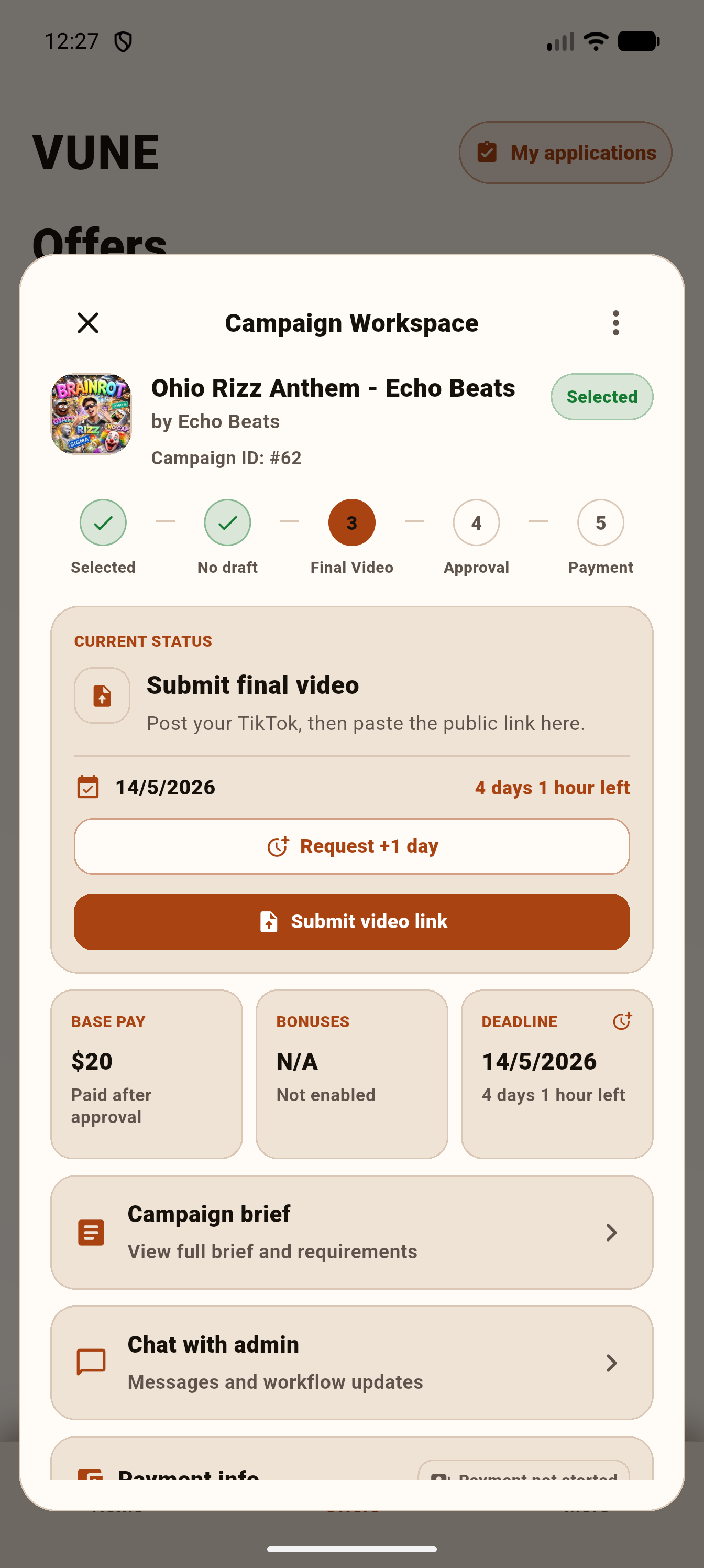
Chat, deadlines, final links, and payment status stay together.
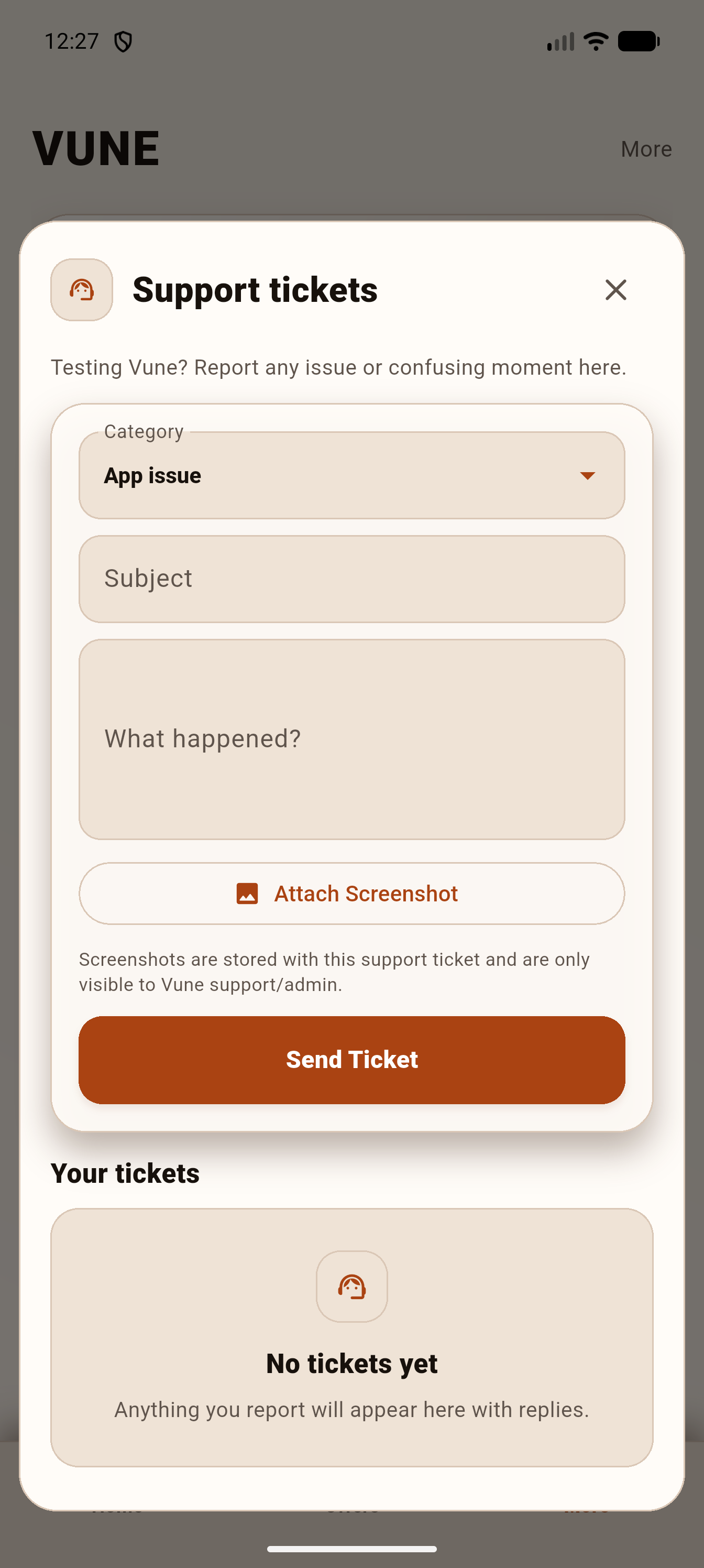
Report issues from the app with the context Vune needs to reply.
Creators
Vune will use this page for app review, beta testers, and public launch downloads.
