
Account and data
Delete account and data requests
You can request deletion of your Vune account and associated account data from inside the Vune app or from this page. Deletion is not instant: Vune reviews requests, may verify ownership, and will confirm when the request is complete.
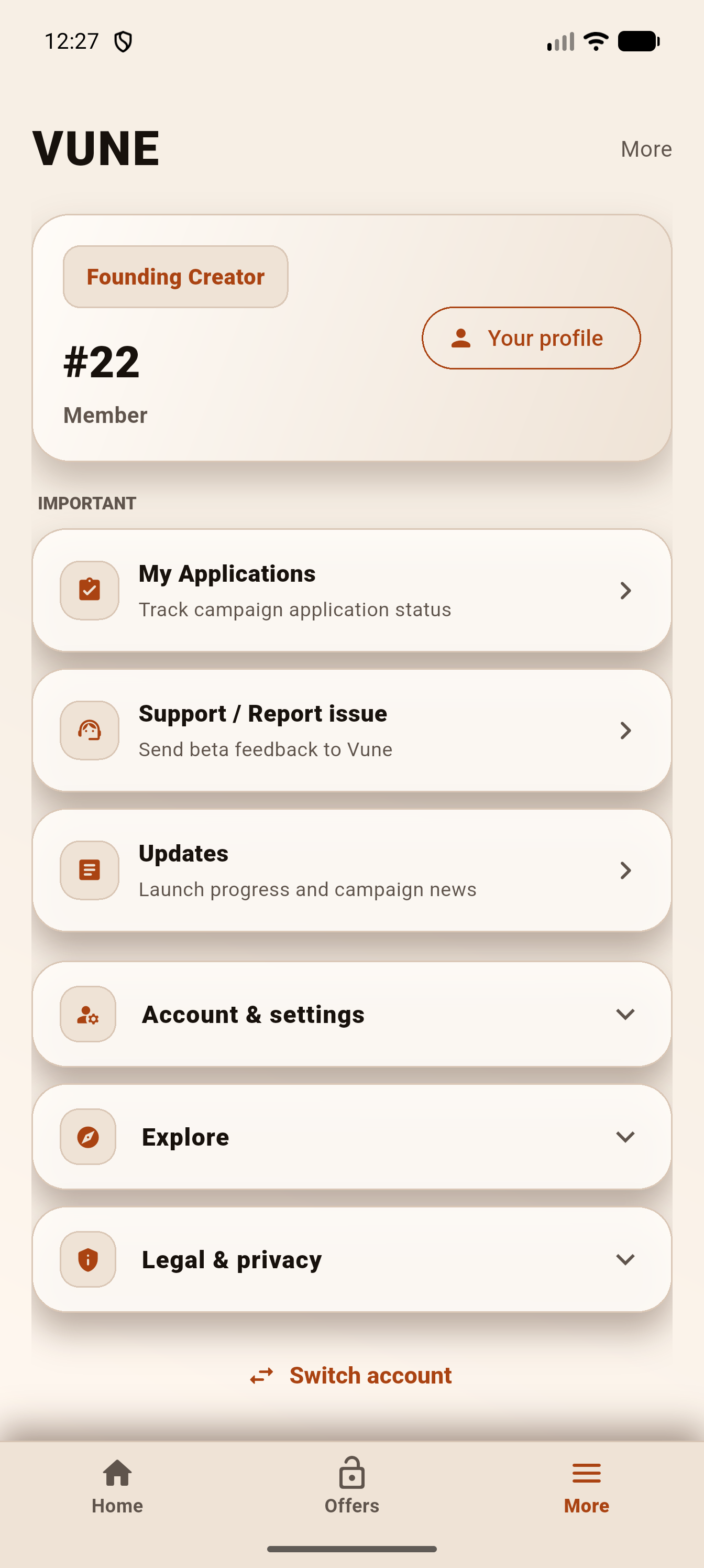
Request in the app
If you still have app access, use the in-app deletion request screen. It records your profile email, request type, confirmation, app version, and platform so Vune can review the request safely.
Request by email
Send an email to contact@vune.app with the subject line Delete my Vune account.
Include this information
- The email address saved on your Vune profile.
- Your member number, if available.
- Your TikTok username, if available.
- A note confirming that you want Vune to delete your creator profile and related account data.
What may be deleted
Vune may delete or anonymize creator profile data, account access records, support tickets, notification tokens, campaign interest, applications, campaign messages, submissions, device records, and other account records where appropriate.
Records Vune may keep
Some information may be retained when needed for active campaign operations, payment records, security, fraud prevention, dispute handling, legal obligations, or backup integrity.
Timing
Vune normally reviews account deletion requests within 30 days. Vune may ask you to verify ownership before completing deletion, especially if the request comes from an email address that does not match the account.
After completion
Vune will send confirmation when your request has been completed or explain if a limited record must be retained for campaign, payment, legal, safety, or dispute reasons.